An incident report is a written record of something that happened at work, such as an injury, a near miss or property damage. Download the free form below, or read on for a filled-in example and how to complete one.
Need a quick check before work starts instead? Get the free Take 5 template.
Example only, not for use as your own incident report. This is the free template filled in for a worker who slipped on a wet walkway while carrying formwork. Click a page to enlarge it.
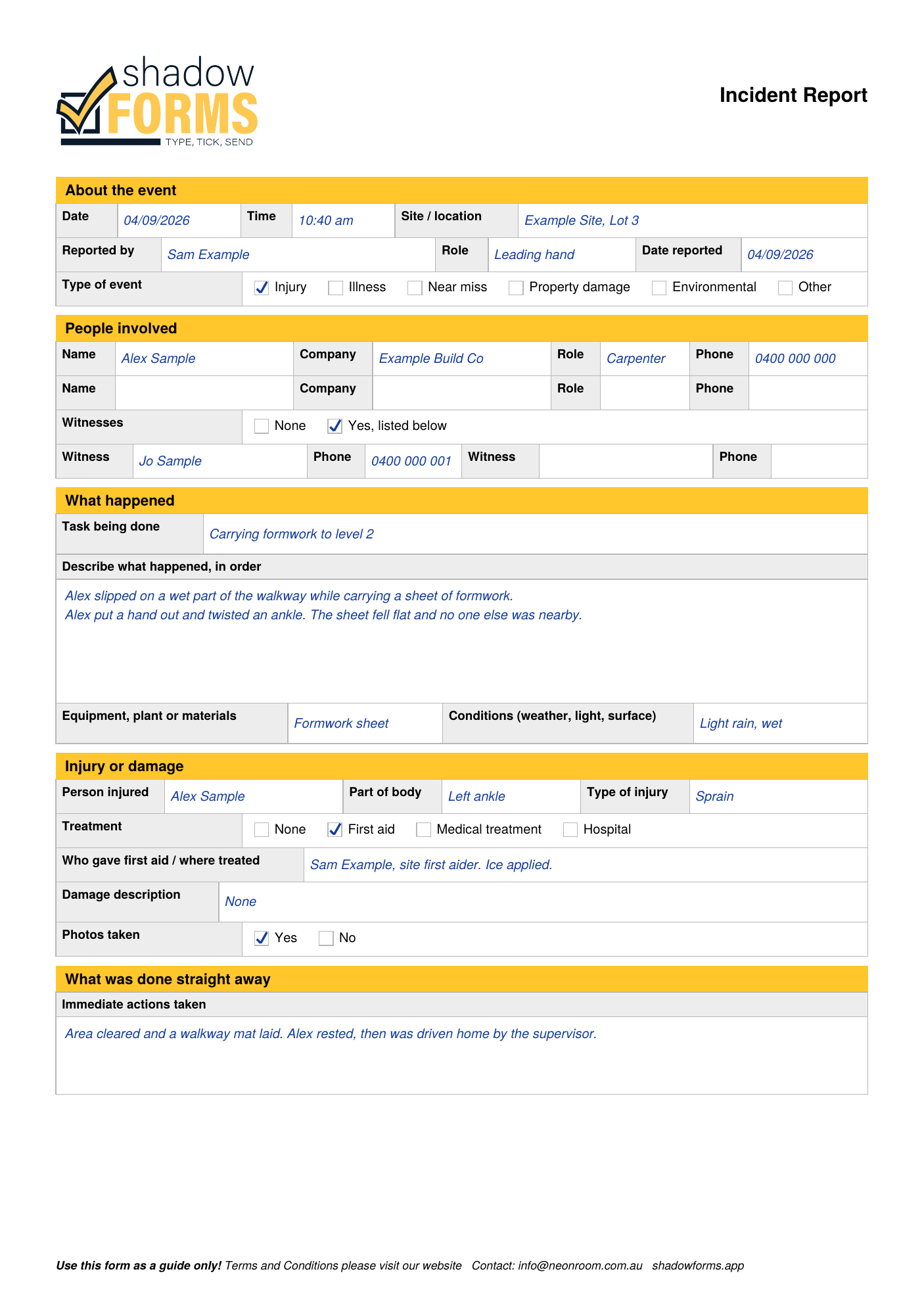
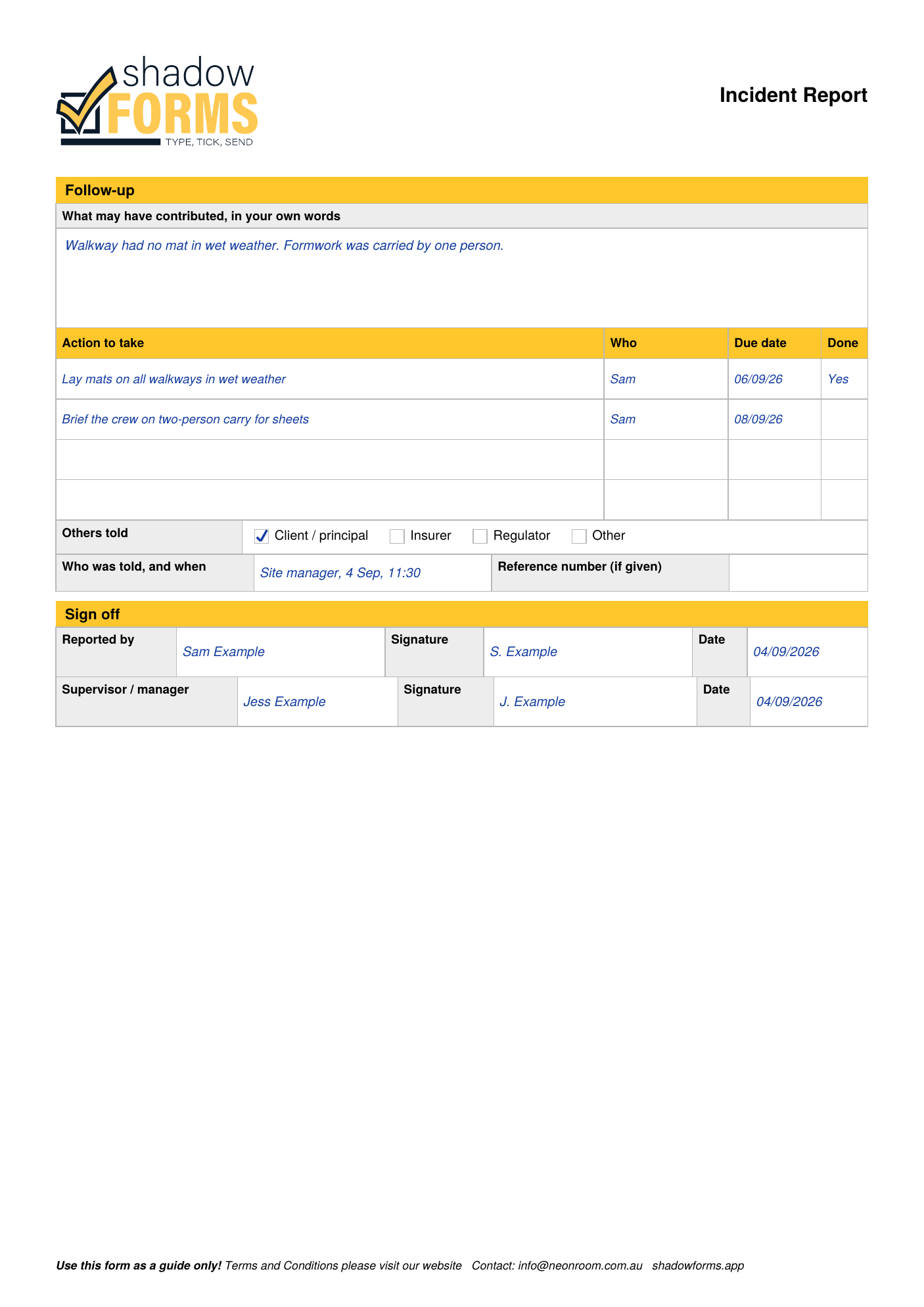
Your own incident report should reflect what actually happened, completed by the people involved.
Prefer not to carry paper? With Shadow Forms your incident report lives in the app, so it's quick to complete on site, and every completed one lands on your dashboard instead of getting lost in the ute. Completed forms are stored securely for 7 years.
Forms also work offline, and any form can be duplicated as a starting point for the next job. See the app, or read about the AI-powered JSA for skilled trades.
Need a SWMS instead? Get the free SWMS template.
Running a crew meeting instead? Get the free toolbox talk template.
It's a written record of something that happened at work, such as an injury, a near miss or property damage: who was involved, what happened and what was done afterwards. This form has a near miss option as well.
No, it's your own record. Safe Work Australia says notifications are made directly to state, territory or Commonwealth WHS regulators, and that it is not a regulator itself. WorkSafe Victoria says notifying it does not fulfil an obligation to notify other regulators or organisations.
Safe Work Australia says employers must notify their WHS regulator immediately after becoming aware of workplace deaths, serious work-related injuries, illnesses and dangerous incidents. SafeWork NSW lists a death, a serious injury or illness, and a dangerous incident. Under its OHS Act 2004, WorkSafe Victoria describes incidents involving death or medical treatment, and incidents that expose a person to a serious risk to health and safety, such as a near miss. Your state or territory regulator can confirm what applies to you.
Safe Work Australia says it published amendments to the model WHS Act in December 2025, and that the changes only take legal effect once they are adopted into local WHS laws, with each jurisdiction setting its own timeline. Contact your state or territory work health and safety authority to check what applies where you work.
WorkSafe Victoria says any injury or illness should be recorded in the organisation's register of injuries, which can be a diary, exercise book or electronic file. SafeWork NSW's incident notification page also points to a register of injuries. Your regulator can tell you what applies in your state or territory.
We build forms software, not safety advice. The above is a plain-English summary of what the regulators publish, and the links go to them. For your own site and your own job, check with your state regulator or someone qualified.
Send us your forms and we'll show you exactly how they'd work, no obligation.
Questions? Email us at info@neonroom.com.au